Selected Work
Production systems, real organizations, daily use.
Everything here is live, in production, and used every day by real people who aren't software engineers.
Client Flow · Queue Management
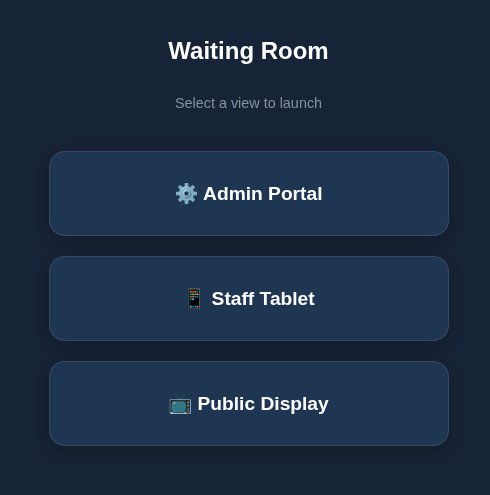
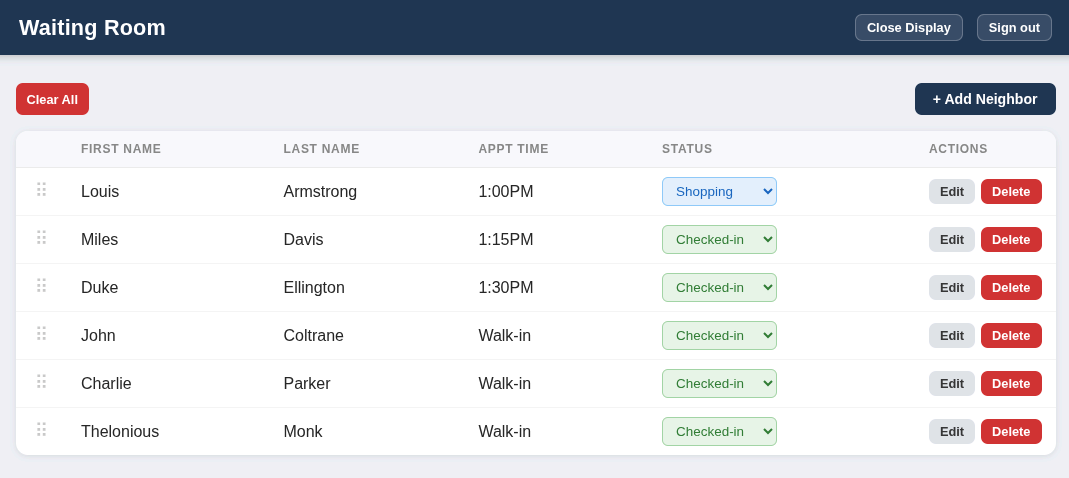
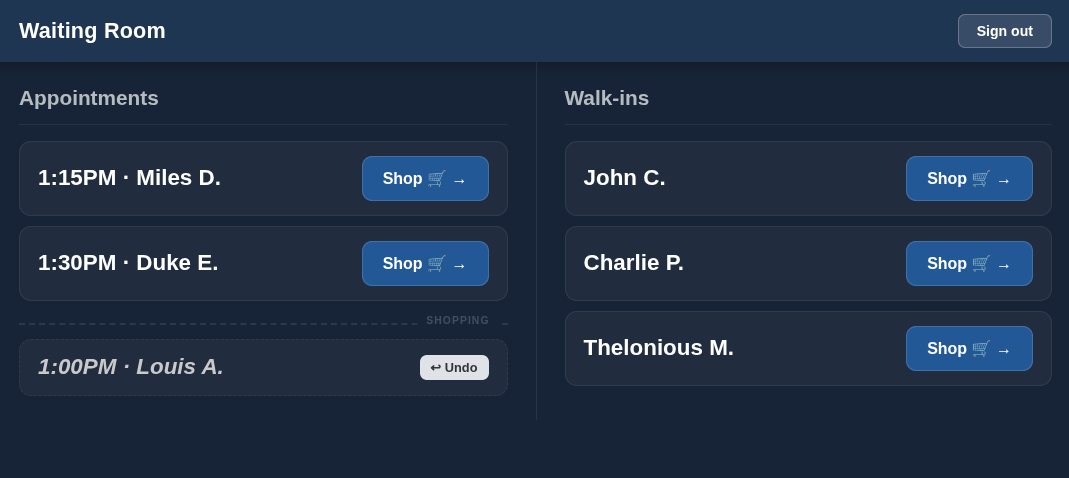
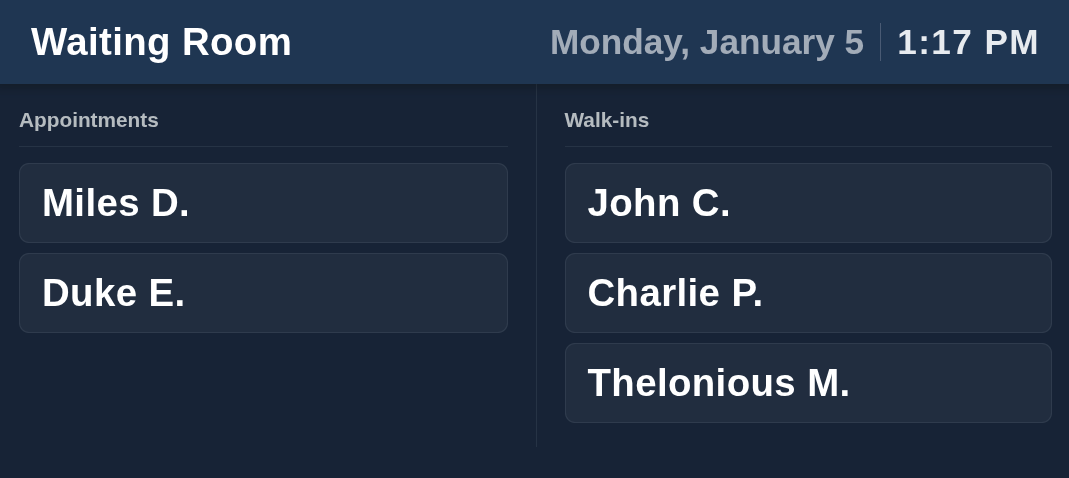
Client Waiting Room System
Before
Clients waited with no information. The roaming host managed the queue from a fixed desk with no way to update it on the floor.
After
A live wall display updates in real time. The host manages the queue from a tablet anywhere in the room. New staff are up and running in under a minute.
React + Supabase realtime · two interfaces · drag-to-reorder · disconnection detection · used daily.
Staff Tools · Workstation Setup
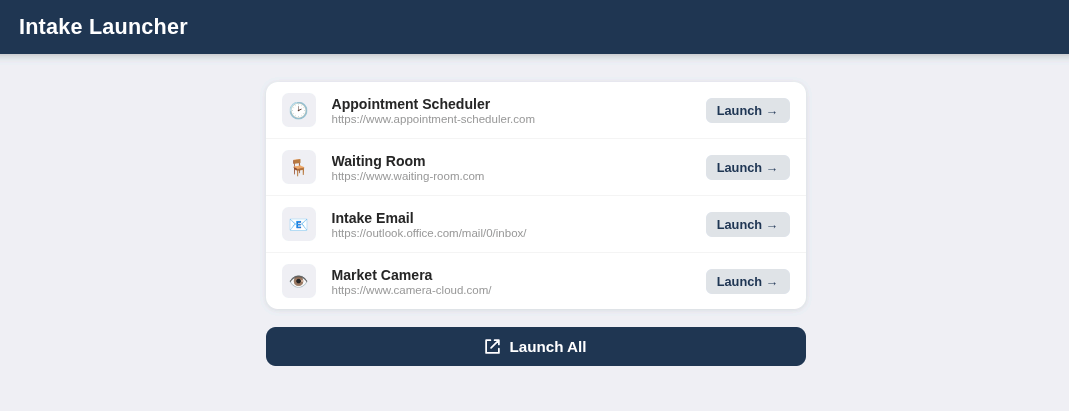
Intake Desk Launcher
Before
Rotating staff worked from a mix of browser tabs and bookmarks. No single place to start, no consistent setup between shifts.
After
One tab opens on startup with every tool one click away. "Launch All" opens everything at once. Staff update the tool list themselves — no developer needed.
Single-page app · Chromium extension (Manifest V3) · config-driven · zero training required.
Automation · Process Elimination
Daily Web Automations
Before
Two recurring tasks required manual logins every morning — navigate to the right page, download a PDF, repeat. Time-consuming and easy to miss.
After
A headless browser handles both tasks on a schedule. Files are ready before staff arrive — one of them reformatted automatically into a clean picker sheet.
Playwright · systemd timer · automatic failure alerts · consistent deployment pattern across all services.